Profiles
Create, select, start, stop, restart, update, edit, and delete local Colima profiles.
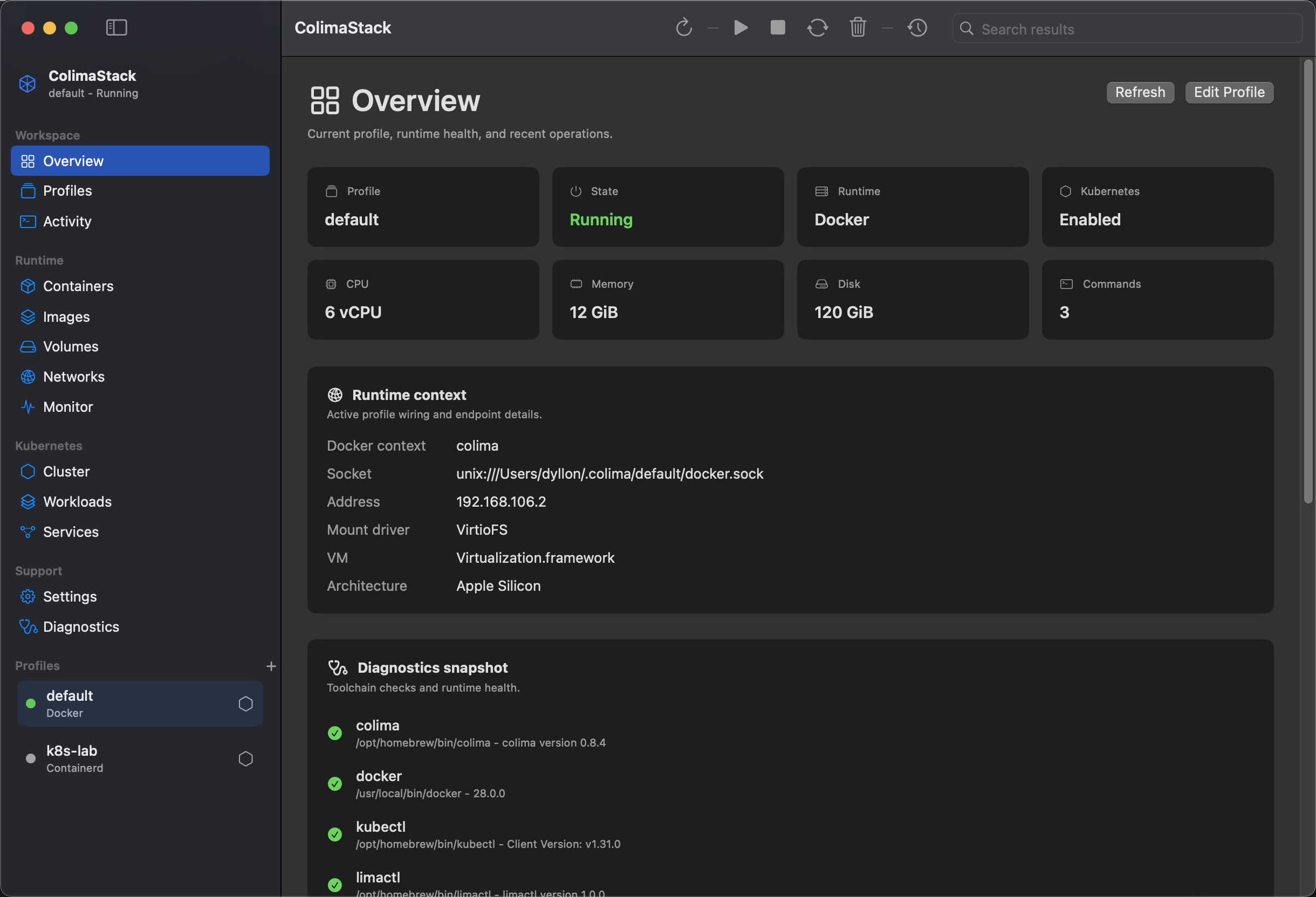
ColimaStack is for developers who use Colima as their local runtime and want a visible control surface for profiles, Docker resources, Kubernetes state, diagnostics, and recent command output.
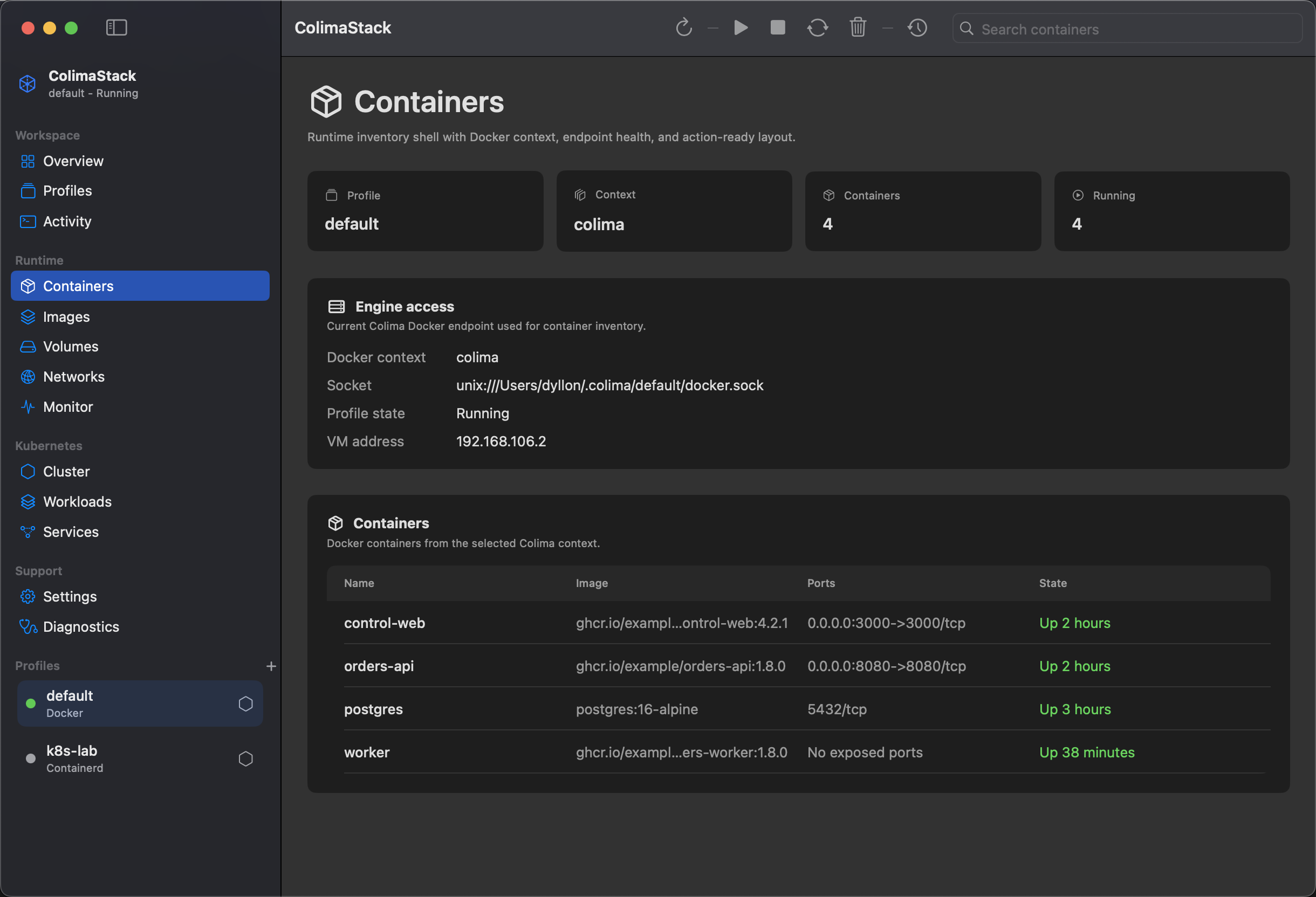
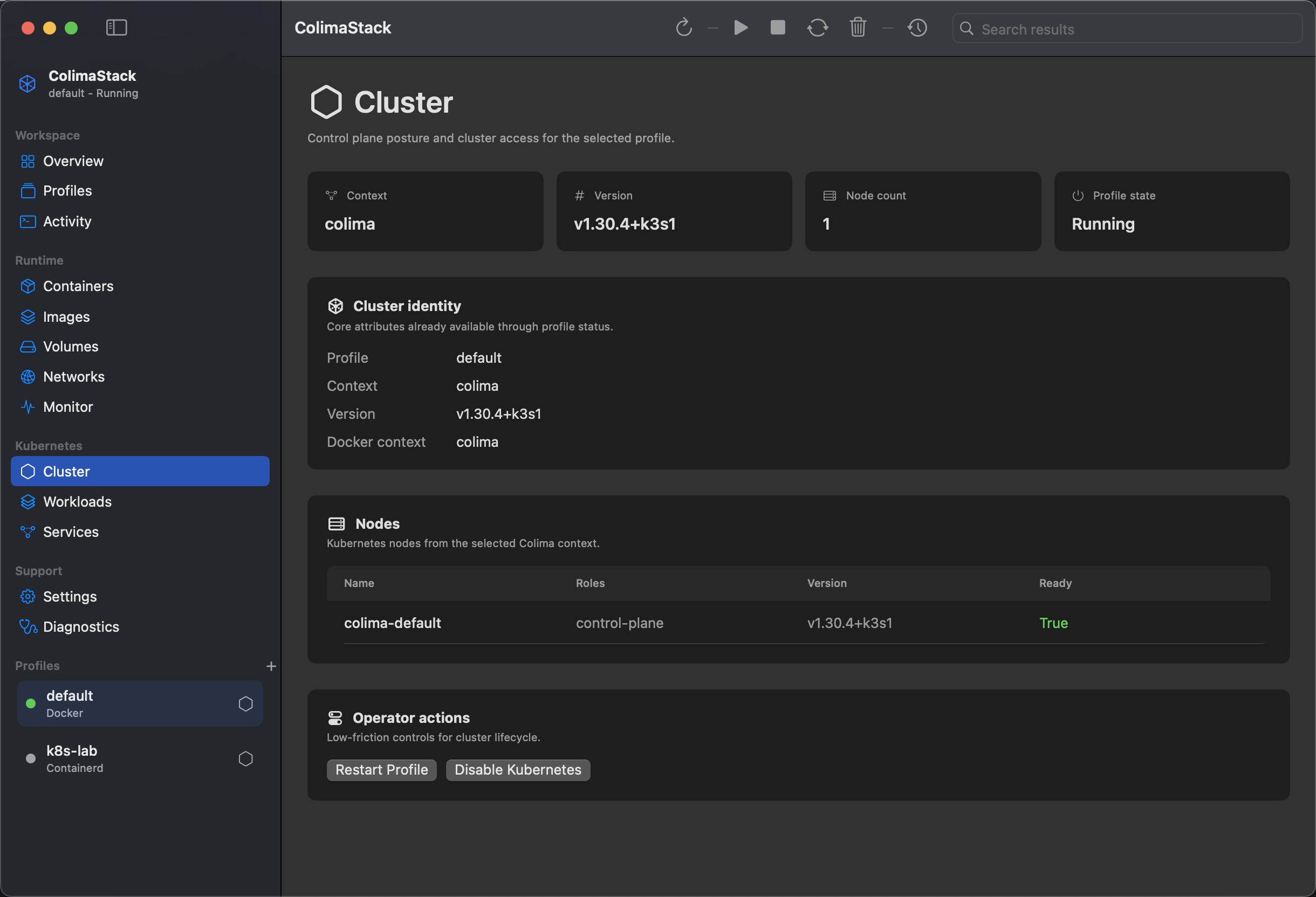
Create, select, start, stop, restart, update, edit, and delete local Colima profiles.
Read containers, images, volumes, networks, stats, and disk usage from the selected Colima Docker context.
Inspect nodes, namespaces, pods, deployments, services, and metrics when Kubernetes is enabled on the selected profile.
Check local colima, docker, kubectl, and limactl availability and runtime context errors.
New users should read Install and Quick Start. Existing Colima users can usually open the app, select a profile, start it if needed, and verify resources in Containers.
Core references: Compatibility, Profiles, Monitor, Menu Bar, Diagnostics, Security & Privacy, Command API, and Troubleshooting.